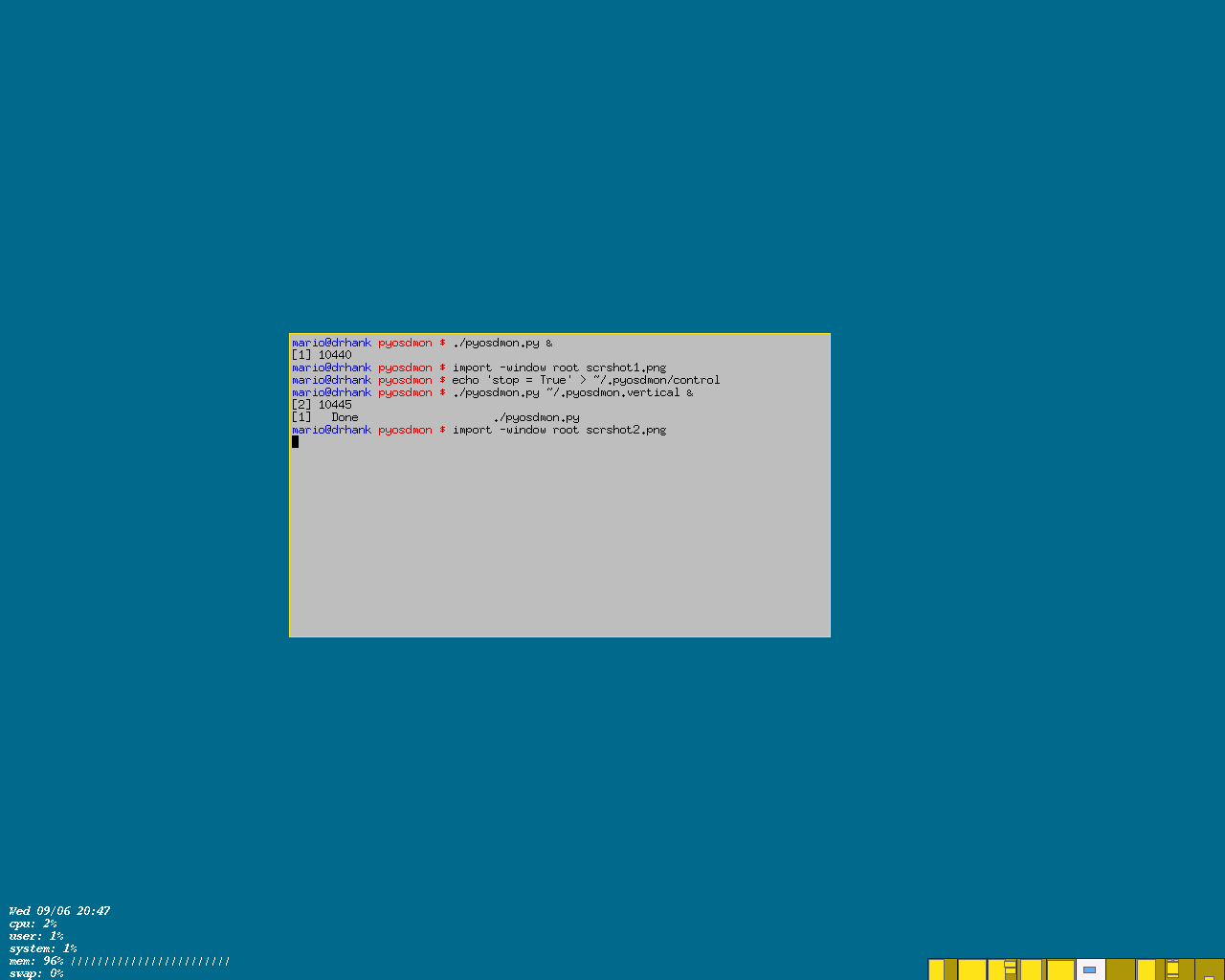
Pyosdmon is a set of Python plugins that monitor system resources. Examples of monitors are:
Pyosdmon implements a simple invisible panel which holds the plugin's output. Each plugin is placed in a panel window. Plugins' output is a text that is written to the screen through the xosd interface.
For example, possible panel configurations are showed as follows:
+---------+---------+---------+---------+
| plugin1 | plugin2 | plugin3 | plugin4 |
+---------+---------+---------+---------+
| plugin5 | plugin6 | plugin7 | plugin8 |
+---------+---------+---------+---------+


+---------+
| plugin1 |
+---------+
| plugin2 |
+---------+
| plugin3 |
+---------+
| plugin4 |
+---------+
| plugin5 |
+---------+
The number of rows and columns and the position of the panel in the screen are configurable, as well as font size, style, and color.
Each window of the panel, where plugins sit, has the following format:
<caption> <value> <unit> <bar_char>
<caption> is the plugin identifier (e.g., cpu)<value> is the text returned by the plugin.<unit> is the unit to be used for the plugins' value (e.g., kB/s)<bar_char> is the character used to assembly the plugin's bar. It's only used if the bar plugin's attribute is set to TrueExcept for <value>, all other components
are configurable through plugins' configuration
file (individually for each plugin).
|
|
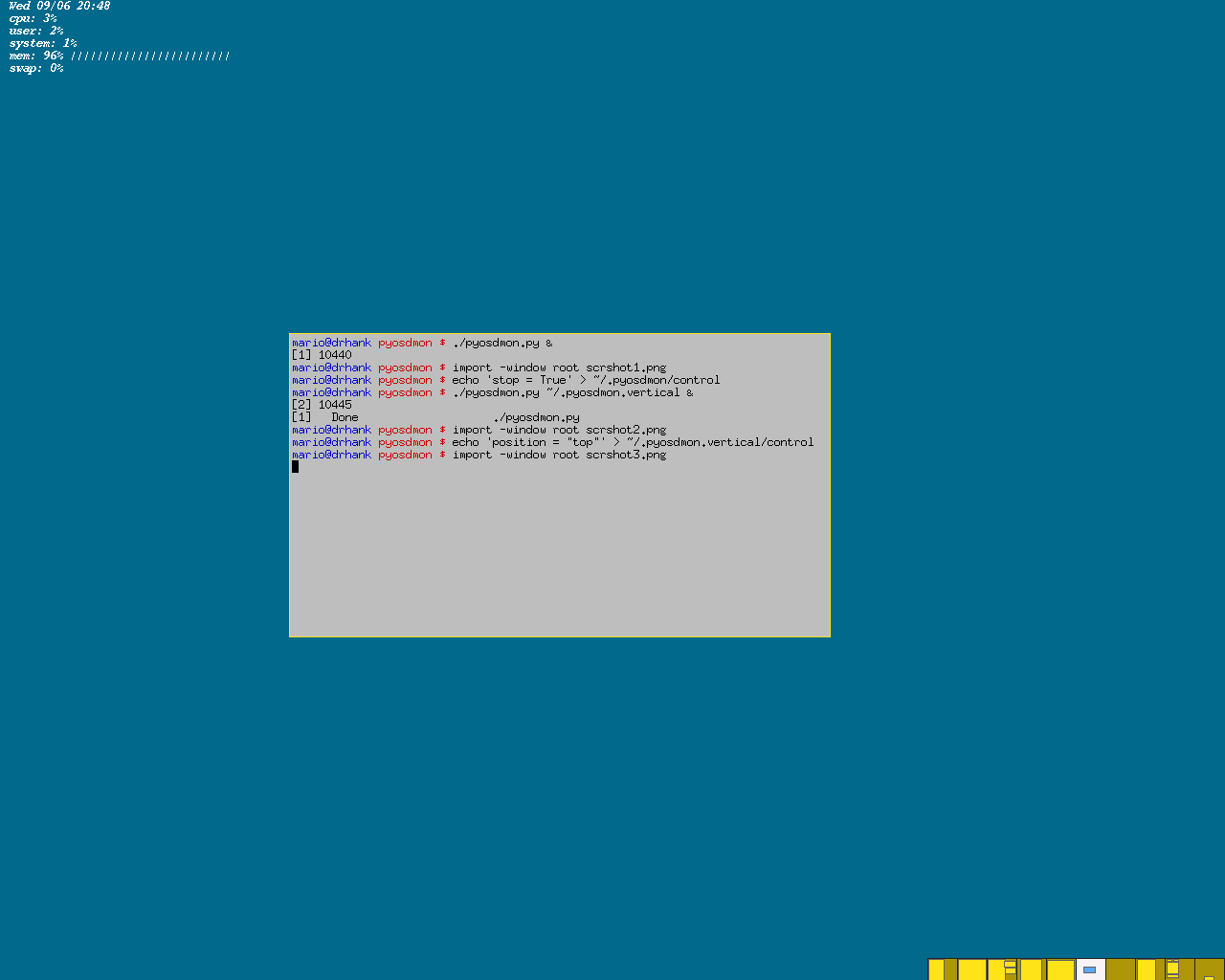
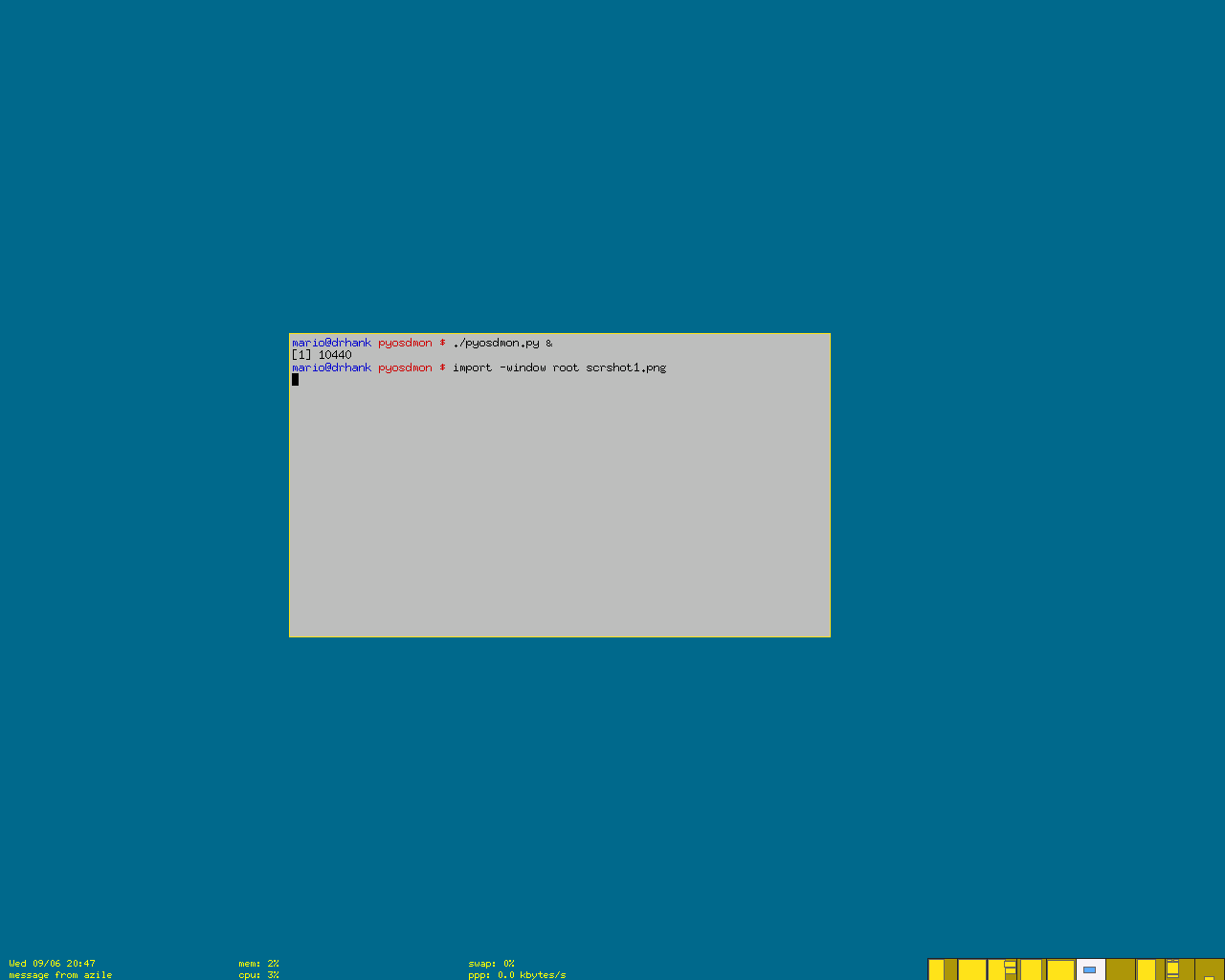
screenshot1 (bigger) |
|
|
screenshot2 (bigger) |
|
|
screenshot3 (bigger) |
Pyosdmon requires the latest version of pyosd and all its dependencies to run.
Currently the following plugins are implemented:
Change to pyosdmon's directory and execute it:
$ ./pyosdmon
Since the default is showing no plugin, you'll have to use a
configuration file. You can take one from the sample
directory or you can build your own.
Global attributes of the panel are configured in the
file ~/.pyosdmon/global.conf and per-plugin
configuration are set in ~/.pyosdmon/plugins/<plugin-name>.conf.
Configuration files are simple Python files (see examples in the samples directory in the distribution).
The global configuration file ~/.pyosdmon/global.conf must have
the following line before all the attributes configuration:
from plugins.plugins import *
font: font to be used in the monitors (default = -*-fixed-*-*-*-*-12-*-*-*-*-*-*-*). You can use xfontsel -print to select the fontrefresh: time between two consecutive monitor's values reading (default = 1). If you are using a slow machine, you'd better increase this valueposition: the position of the panel. Possible values are 'top' and 'bottom' (default = bottom)align: alignment of the panel. Possible values are 'right', 'left' and 'center' (default = left)color: color to be used (default = 'yellow')caption_size: number of characters reserved for the monitor's caption (default = 7)max_rows: maximum number of rows the panel uses (default = 6)max_cols: maximum number of columns the panel uses (default = 3)bar_scale: value used to scale the plugins' bar. The greater this number, the smaller the bar (default = 4)hide: specifies if the panel should be hidden or not (default = False). If set to True, the panel will remain hidden until some plugin's threshold value is reached. Only plugins listed on the popup_on variable make the panel unhidepopup_on: list of plugin names that can make the panel unhide (default = [])window_width: width (in characters) of each panel window (default = 40)window_height: height (in lines) of each panel window (default = 1)plugins: list of plugins to be used (default = [])pos: position of the plugin in the panel (x, y)bar: if the plugin has a barcaption: plugin's captionbar_char: character used in plugin's bar (if bar = True)unit: unit of plugin's monitored valuesthreshold: threshold value. Monitored values bigger than threshold make monitors popup (if they were hidden)Besides these attributes, plugins can have particular
ones. Check the variable defaults in plugins' code
to find out what the attributes are.
Pyosdmon can have some configurations changed during runtime. You can
control it by inserting commands into the ~/.pyosdmon/control file. Control commands are the same as used in the global
configuration file. Additionally, there are some more:
stop = True: stops pyosdmonreconfig = True: forces the global and per-plugin configuration files to be reread.Examples:
$ echo 'stop = True' > ~/pyosdmon/control

$ echo 'reconfigure = True' > ~/pyosdmon/control
TO DO
If you don't want windows to be over the monitors (e.g., when you maximize them), you can use a window without windowmanager decorations as pyosdmon background. For example, you can use a xterm with a geometry similar to the pyosdmon panel's.
Probably a lot.
To do
/proc, pyosdmon
is quite dependent on this operating system, unless plugins are
written for other platforms.Pyosdmon is GPL.
You can download pyosdmon from http://www.inf.ufrgs.br/~mario/download/pyosdmon/pyosdmon-0.2.tar.bz2
Mario Domenech Goulart -- moc.liamg@traluog.oiram